Change a mockup or an order after it has gone out
Correct an order or replace a mockup, whether the customer has approved it yet or not, and keep the approval record straight.
An order can be corrected at any point. What changes is who has to agree to it, and the app keeps that straight for you.
Before the customer has approved
- Change the item, the price or the mockup on the order.
- Press Save.
- Press Review and update order.The customer sees the new version at the same link. They do not need a new one.
After the customer has approved
- Press Edit order.The Shopify order stays exactly as it is while you work.
- Make the change and press Save.
- Press Review and send changes for approval.The customer approves again, and only then is the Shopify order changed.
A customer approves the order as a whole, with its mockups. There is no way to approve one item and hold another: if something is wrong they request changes and say what, and you send it again.
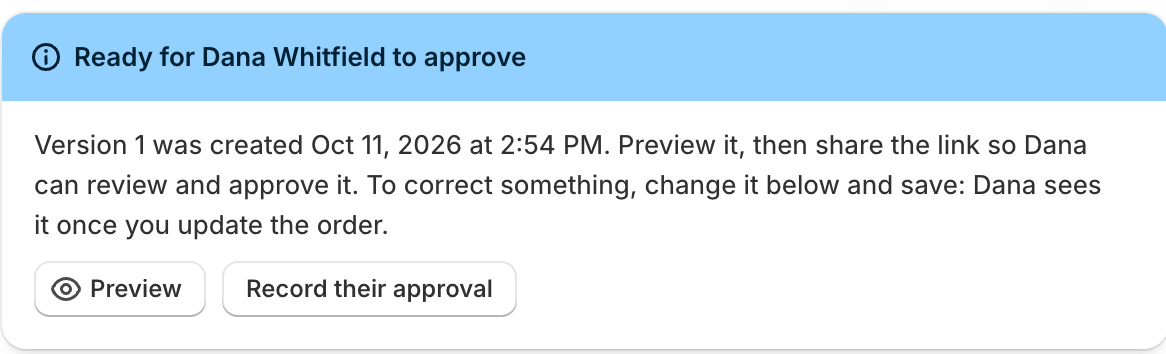
What the customer sees while you work
Nothing changes for them until you send it. An approved order they can see stays exactly as they approved it while you edit, and Discard the changes puts you back to it. That is the point of the two-step: the version on record is never a version nobody agreed to.
When you do send, they see what changed listed at the top of their page, and they approve again. Only at that moment is the Shopify order changed to match.
When a customer asks for the change
The order comes back marked Changes requested, their message is in Notes, and a follow-up is due straight away so it does not sit. Make the change and send it again, and the order returns to Waiting for approval.
The limits
- Items already shipped cannot be removed, or lowered below the quantity that shipped.
- The location, the buyer and whether Shopify charges the tax are fixed once the order is placed. To change one of those, duplicate the order and start from the copy.
- If Shopify's total changes before a customer approves, a tax rate change say, they are asked to approve the new total rather than the old one quietly standing.
The record it leaves
The order's Approval card lists every version with what changed in it, who approved which one, how, and when. When a customer says the logo was meant to sit lower, that card is the answer, and it is the reason the two-step is worth the extra press.
What trips people up
- Until the buyer approves the changes, the order they approved stands. Discard the changes goes back to it.
- Items already shipped can't be removed, or lowered below what shipped.
Check you have it
You edited an approved order but haven't sent it. What has the buyer agreed to?
The version they approved. Nothing changes for them, or in Shopify, until they approve the changes.
Short answers on this
- How do I build an order?
- How do I add a mockup or proof to an item?
- Can I change a mockup after the buyer has the order?
- Can a buyer approve only some items or mockups?
- Where are mockups and uploaded files kept?
- How do I send an order to the buyer?
- When does the order appear in Shopify?
- The buyer approved by phone or email. What do I do?
- Is there a record of what the buyer approved?
- The buyer asked for changes.
- How do I change an order after it's approved?
- How do I give a discount?
- How do I repeat an order?
- How do I cancel an order or give a refund?
- What do the order statuses mean?
- What are numbers like L-000001 and C-000001?