What lives in Shopify, what lives here, and which way it moves
The app and Shopify hold different parts of the same business. This is the map: what is created where, what syncs both ways, and what cannot be changed once it is placed.
Most confusion with this app comes from not knowing which system owns a given thing. The rule of thumb: Shopify owns money, inventory and the customer record. The app owns the work that happens before an order exists, and the paperwork around it.
Lives only in the app
- Leads, their stages, timeline entries and follow-ups.
- Forms, their questions and where they are placed.
- Draft and sent orders, until they are approved.
- Mockups attached to items, and the approval record.
- Vendors and purchase orders, start to finish.
- Your team list and account manager assignments.
Lives in both, and stays in step
- Companies, locations and contacts: created in Shopify B2B when you approve them. What you change here is saved to Shopify, and changes made in Shopify come back.
- Approved orders: placed in Shopify with payment pending under their terms. Payments, fulfilment and shipping done in Shopify come back here.
- Payments you record by hand: written to the Shopify order too, so the two never disagree.
- Catalog prices: set up in Shopify, used here. A store product on an order takes the location's catalog price.
- Files: mockups and form uploads are kept in your store's Shopify Files, and stay there even if you uninstall.
If a page says it is not up to date in Shopify, press Try again. If it keeps saying so, send us the number of the company, location or order.
Lives only in Shopify
- Inventory. Receiving goods against a purchase order records what arrived, it does not adjust stock.
- Tax settings and shipping zones and rates, which the app reads but does not set.
- Checkout, payment capture and refunds.
- Customer accounts and the B2B access email that lets a buyer sign in and order.
What cannot change once an order is placed
Three things are fixed in Shopify the moment a customer approves, so they cannot be edited afterwards: the location, the buyer, and whether Shopify charges the tax. If one of them is wrong, duplicate the order and start again from the copy rather than trying to correct it.
Bringing in what you already have
Press Import companies and orders from Shopify on the Companies page and leave the page open while it runs. Companies, their locations and contacts come first, then their orders. You do it once: after that, new Shopify companies and B2B orders arrive on their own. If you leave the page it carries on from where it left off when you come back.
If you ever uninstall
Shopify asks apps to erase a shop's data 48 hours after it uninstalls, and this app does: leads, companies, contacts, orders, vendors, purchase orders, forms and settings. Your Shopify orders and companies stay in Shopify, and your files stay in Shopify Files. Anything else you want to keep, download first from Settings, Data, which exports leads, companies, orders, vendors and purchase orders as CSV.
What trips people up
- Shopify gives the app only the last 60 days of orders unless it has access to all orders.
- You import once. After that, new Shopify companies and B2B orders arrive by themselves.
- New to B2B? Skip this: companies are made from business account applications and when you convert leads.
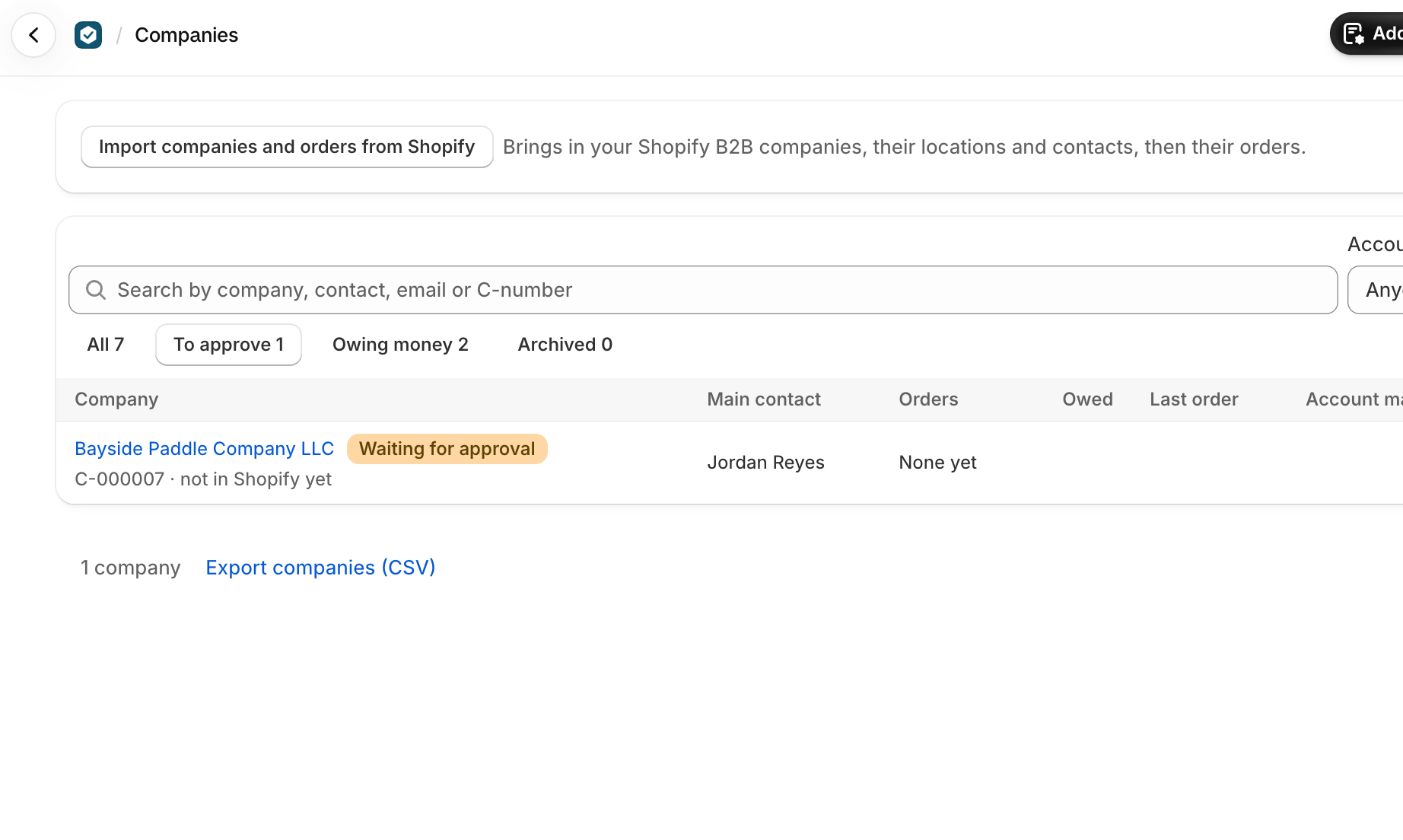
- A Shopify company where nobody may order yet comes in under To approve, as Shopify lists it under Ordering not approved.
- If you see Not up to date in Shopify, press Try again.
- Your own tax rate goes to Shopify as a Sales tax line on a tax-exempt order, so it isn't in Shopify's tax reports: the orders export has a Tax rate column.
- The location, the buyer, and whether Shopify charges the tax can't change once the order is placed in Shopify. To change them, duplicate the order.
Short answers on this
- Why do new companies wait for my approval?
- Approving a company says Shopify didn't let VerifiedHive set it up.
- How do I bring in the companies I already have in Shopify?
- Are companies kept in step with Shopify?
- How does a buyer sign in on my store to order?
- Where do I set a location's payment terms, tax or shipping account?
- The same business is here twice.
Read next
- Take wholesale applications and approve companiesLet a business apply from your store, check them, and turn them into a Shopify B2B company that can order on terms.
- Every badge on an order, and what it meansThe five states an order moves through, every payment and fulfilment badge it can carry, and what each one is telling you to do next.